Skip to content

HSE inspections up 47% - HSE carried out over 13,200 workplace inspections in 2024/25.

DSE Guide

DSE Assessment: Display Screen Equipment
for Office and Home Workers

A guide to DSE (Display Screen Equipment) assessments and compliance for UK businesses. This page covers the DSE Regulations 1992, who needs an assessment, how assessments work, common workplace hazards, and compliance for office and home workers. Written by Chartered health and safety consultants.

DSE assessments for office and home workers. Workstation reviews, assessor training, and compliance support by Chartered consultants.

1,500+ Businesses Protected
50+ Countries
95%+ Retention
IOSH Chartered
DSE Regulations 1992
Free Gap Analysis
Get in Touch

Contact Arinite Today

Fill out the form below and our team will get back to you within 24 hours.

By submitting, you agree to our Privacy Policy and consent to Arinite contacting you.

UNDERSTANDING DSE

What Is DSE? Display
Screen Equipment Explained

DSE stands for Display Screen Equipment. The term refers to any device with an alphanumeric or graphic display screen, including desktop computers, laptops, tablets used for prolonged work, touch screens, and similar devices used as part of normal work activities.

The Health and Safety (Display Screen Equipment) Regulations 1992 place duties on employers to assess and manage the health risks associated with DSE use. These risks include musculoskeletal disorders (back, neck, and shoulder pain, repetitive strain injury), visual fatigue, and stress from poor workstation setup or excessive screen time.

If your employees use a screen for a significant part of their normal work, the DSE Regulations apply to you.

WHO NEEDS IT

Who Needs a
DSE Assessment?

The DSE Regulations apply to 'users' and 'operators' of display screen equipment. A user is an employee who habitually uses DSE as a significant part of their normal work. An operator is a self-employed worker in the same circumstances.

In practice, this means any employee who uses a screen daily for continuous periods of an hour or more, and who has little choice about using the equipment, is a DSE user. This covers the majority of office-based employees, home workers, hybrid workers, and anyone whose role depends on computer-based tasks.

The Regulations do not apply to occasional or brief DSE use. An employee who uses a computer only occasionally to check emails or complete short tasks is not a user and does not require a formal DSE assessment.

EMPLOYER DUTIES

DSE Employer Duties:
Legal Requirements

Under the DSE Regulations 1992, employers must:

1

Analyse workstations and assess risks to DSE users.

2

Reduce the identified risks to the lowest extent reasonably practicable.

3

Ensure workstations meet minimum ergonomic requirements (screen, keyboard, chair, desk, environment).

4

Plan work so users have regular breaks or changes of activity.

5

Provide eye and eyesight tests at the employer's cost on request.

6

Provide corrective appliances (glasses) where needed specifically for DSE work.

7

Provide health and safety training and information to users.

These duties apply to every DSE user, regardless of whether they work in the office, at home, or in a hybrid arrangement. The obligation travels with the employee, not the location.

Enforcement can result in improvement notices, prohibition notices, or prosecution. Fines are unlimited in the Crown Court.

ASSESSMENT PROCESS

How a DSE
Assessment Works

A DSE assessment is a structured review of a user's workstation and working practices. The assessment typically covers the following areas.

1

The Display Screen

Screen size, resolution, brightness, contrast, reflections, glare, positioning (distance, height, angle), and whether adjustments are possible.

2

The Keyboard and Input Devices

Keyboard tilt, wrist position, key clarity, mouse location and type, and availability of alternative input devices if needed.

3

The Chair and Posture

Seat height and depth, backrest adjustability and lumbar support, armrest positioning, overall postural support, and alignment of the chair to the desk and screen.

4

The Desk and Workspace

Desk height, usable surface area, storage, cable management, document holder availability, and space for legs and feet.

5

The Environment

Lighting levels, glare and reflections, temperature, ventilation, noise, and the overall ergonomic quality of the space.

6

Work Patterns and Software

Length of DSE sessions, frequency of breaks, variety of tasks, and whether the software and systems used are suitable for the task.

HEALTH EFFECTS

Common DSE Hazards
and Health Effects

Poorly designed or poorly used workstations cause predictable health problems. The most common DSE-related health effects are:

1

Musculoskeletal disorders (MSDs)

Neck and shoulder pain, lower back pain, and repetitive strain injuries (RSIs) affecting wrists, forearms, and elbows. These are the most frequently reported DSE health issues and can become chronic if not addressed early.

2

Visual fatigue

Eye strain, headaches, and blurred vision caused by glare, reflections, inappropriate screen distance, or uncorrected visual problems. Visual fatigue is often the earliest symptom users notice.

3

Stress

Pressure from workflow design, software usability, workload, and lack of control over work patterns. Workstation-related stress overlaps with wider workplace stress risks.

4

Fatigue

General physical tiredness from prolonged static postures, combined with the mental load of sustained screen-based work.

The DSE Regulations exist because these effects are preventable with appropriate workstation setup, regular breaks, and suitable training.

HOME WORKING

DSE for Home Workers
and Hybrid Employees

The DSE Regulations apply to employees working at home the same way they apply in the office. The employer's duty does not end when the employee leaves the building.

For home workers, the assessment can be conducted remotely using a structured self-assessment completed by the employee, with a Chartered consultant reviewing the results and providing recommendations. Where issues are identified, the employer is responsible for ensuring appropriate equipment is provided.

For hybrid employees who split time between home and office, assessments should cover both environments. Working from a kitchen table for three days a week creates the same regulatory exposure as an inadequate office setup.

Arinite's DSE assessment service covers office, home, and hybrid setups with a consistent methodology across all three.

TRAINING

DSE Training and
DSE Assessor Training

Two types of DSE training are relevant.

1

DSE user training

Awareness training for all DSE users covering the legal framework, risks associated with DSE work, self-adjustment of workstations, the importance of breaks and posture, and the process for raising concerns or requesting equipment.

2

DSE assessor training

Qualifies employees to conduct DSE assessments within the organisation. Covers the legal requirements, the assessment process, ergonomic principles, recognition of common issues, and recommendation of appropriate adjustments. Suitable for HR staff, facilities managers, office managers, or dedicated health and safety coordinators.

Arinite delivers both types of training on-site or online, tailored to your specific workstations and working arrangements. See our full health and safety training page for details.

HOW WE HELP

How Arinite Delivers
DSE Assessments

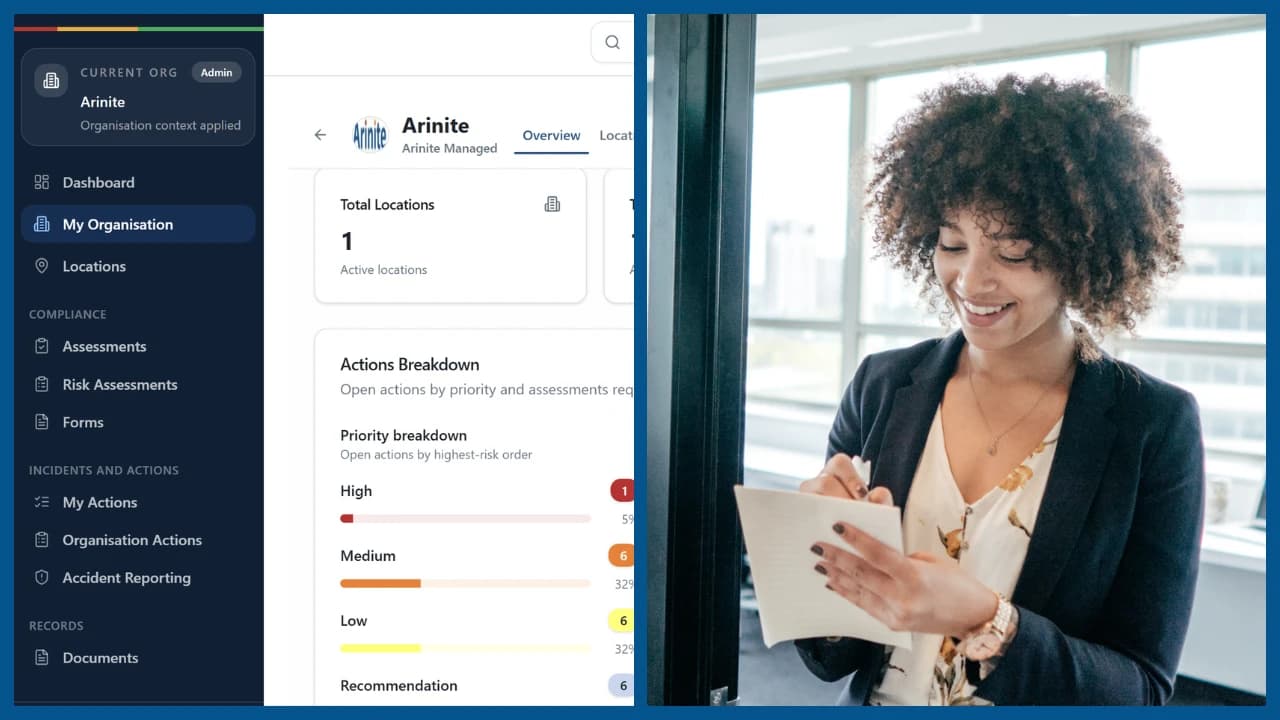
Arinite provides DSE assessment services for UK businesses ranging from single-location offices to multi-site international organisations. The service includes structured self-assessment for each user, review of completed assessments by a Chartered consultant, in-person or video-based follow-up for users with identified issues, recommendations for equipment, adjustments, or training, and ongoing assessment records maintained within Arinite's health and safety software platform.

For businesses on Done For You or Done With You packages, DSE assessments are included in the service. Assessment schedules are automated through the platform, so every new starter and every workplace change triggers the appropriate assessment without manual tracking.

For businesses seeking standalone DSE assessment services, Arinite offers single-user, team, and organisation-wide programmes.

Get Your DSE Compliance Right

DSE compliance is one of the most common compliance gaps in office-based businesses, particularly with the shift to home and hybrid working. Failure to meet the DSE Regulations exposes the business to enforcement action and the workforce to preventable injuries.

Book a free gap analysis call. In 30 minutes, one of our Chartered consultants will review your current DSE arrangements and recommend the right approach.